
Photo & Video
Best Photo Editor Apps for Android in 2026
Our verdict: Snapseed remains the best free photo editor on Android, but Lightroom wins for serious photographers and Canva for quick social posts.
We spent three weeks putting the five most popular photo editor apps for Android through their paces — editing the same set of 40 photos (portraits, landscapes, food, and tricky low-light shots) on a mid-range Android phone. We tested everything from one-tap filters to manual RAW adjustments, and we read the fine print on every subscription so you don't get surprised at checkout. The good news: you no longer need a desktop computer to get professional-looking results.
In this guide you'll find an honest breakdown of each app's standout tools, real pricing in USD with no hidden catches, and exactly who each app suits best.
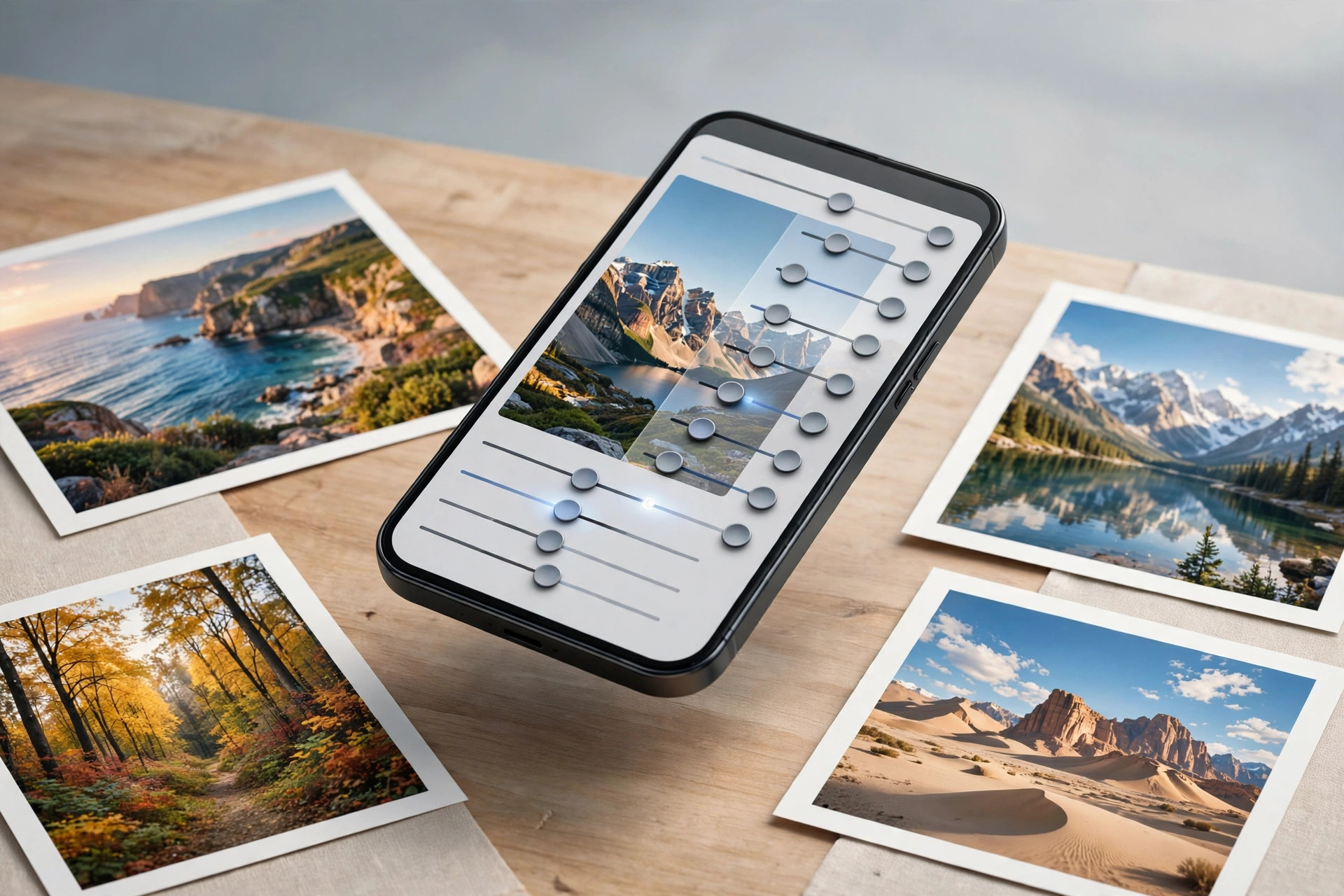
1. Snapseed — Best free photo editor overall
Features: Snapseed is developed by Google and packs an almost absurd 29 tools and filters into a free app with zero ads. The highlights are Selective Adjust (tap any area and swipe to change brightness, contrast, or saturation just there), Healing (tap away photobombers and blemishes), Perspective (fix leaning buildings), Curves, White Balance, and full RAW/DNG support. Edits are non-destructive thanks to Stacks, so you can undo or tweak any step days later.
Pricing: 100% free. There is no premium tier, no locked tools, and no subscription nag screens — a rarity in 2026.
Who it's for: Anyone who wants genuinely professional editing without paying a cent. If you take photos on your phone and want them to look their best with minimal fuss, start here.
2. Adobe Lightroom Mobile — Best for serious photographers
Features: Lightroom Mobile brings desktop-grade editing to your phone: RAW editing, hundreds of presets, selective adjustments, a healing brush, geometry corrections, and cloud sync with the desktop version of Lightroom. The built-in camera offers manual controls (ISO, shutter speed, focus), and recent AI masking can automatically select subjects or skies for targeted edits. The free tier is generous, but the best tools — selective edits, healing brush, and cloud sync — sit behind the subscription.
Pricing: Free tier available. Premium costs around $4.99–$9.99/month depending on whether you take the mobile-only plan or the full Photography plan with desktop access and cloud storage.
Who it's for: Photographers who shoot RAW regularly, anyone already in the Adobe ecosystem, and editors who want their phone edits to sync with a desktop workflow.
3. Picsart — Best for creative edits and social content
Features: Picsart leans into fun rather than precision: an AI background remover, thousands of stickers, collage layouts, double-exposure effects, sketch and artistic filters, text tools, and a huge template library. The community remix feature lets you build on other users' edits. If you also shoot video for socials, pair it with our CapCut review to round out your creator toolkit.
Pricing: Free with ads; Picsart Gold is around $5.99/month or roughly $55/year.
Who it's for: Social media creators, meme makers, and anyone who wants playful, eye-catching edits rather than subtle photographic corrections.
4. Canva — Best for quick designs with photos
Features: Canva isn't a pure photo editor — it's a drag-and-drop design studio that happens to edit photos well. You get background remover (Pro), AI-powered Magic Edit, hundreds of thousands of templates for posts, stories, and thumbnails, a brand kit for consistent colors and fonts, and one-tap publishing to social platforms. The photo tools themselves (filters, adjust, crop) are solid but shallower than Snapseed or Lightroom.
Pricing: The free plan is genuinely useful. Canva Pro is $15/month or $120/year, which unlocks the background remover, Magic Studio AI tools, and premium stock photos.
Who it's for: Small business owners, content creators, and anyone who needs a polished Instagram post or YouTube thumbnail in five minutes rather than a fine-art edit.
5. VSCO — Best for film-like presets
Features: VSCO built its reputation on presets that genuinely mimic classic film stocks, and in 2026 its library of 200+ presets remains the best-looking one-tap option on Android. Beyond presets you get tasteful manual tools, film grain, and split toning.
Pricing: Limited free tier; full Membership is $29.99/year with a 7-day free trial. That makes it the cheapest paid option on this list.
Who it's for: Preset lovers who want a consistent, film-inspired aesthetic across their feed without fiddling with sliders for twenty minutes.
How to choose the right photo editor for you
Start with what you actually shoot. If most of your photos are quick phone snaps for social media, Snapseed or VSCO will cover 95% of your needs for free. If you shoot RAW — or plan to learn — Lightroom's subscription starts to make sense, especially if you also edit on a computer. Ask yourself whether you want correction (fixing exposure, color, and sharpness) or creation (stickers, collages, templates): the first group points to Snapseed and Lightroom, the second to Picsart and Canva.
Budget matters too, but don't overthink it: install the free tiers of your top two contenders and edit the same five photos in each. You'll know within an hour which interface clicks for you. And keep your workflow organized — jotting down your favorite preset recipes in a notes app (see our best note-taking apps roundup) saves a surprising amount of time when you're editing in batches.
What we like
- Completely free with no ads, no account, and no locked features
- Professional-grade selective editing and healing tools
- Non-destructive Stacks let you revisit and tweak any edit later
- Full RAW/DNG support for serious mobile photography
- Works entirely offline — great for travel
What could be better
- Interface looks dated and has a real learning curve for beginners
- No cloud sync — lose your phone and you lose your edit stacks
- No desktop version for a bigger-screen workflow
- Collage and template tools lag behind Picsart and Canva
Free to download — links go to the official Google Play Store listing. We never host APK files.
Frequently asked questions
Is Snapseed really completely free?
Yes. Snapseed has no ads, no premium tier, and no locked features. Every tool, filter, and RAW editing capability is available from the moment you install it — Google has kept it free since acquiring it.
Which photo editor is best for beginners?
VSCO is the easiest starting point thanks to its one-tap film presets, while Canva is friendliest if your goal is quick social posts. Snapseed is more powerful but takes a few sessions to learn — the payoff is worth it.
Can I edit RAW photos on Android?
Yes. Both Snapseed and Adobe Lightroom Mobile support RAW and DNG files, letting you recover blown highlights, fix white balance, and lift shadows far beyond what a JPEG allows. You'll need a phone camera app that can shoot RAW first.
Lightroom vs Snapseed — which is better?
Snapseed wins on price (free forever) and one-off edits. Lightroom wins for photographers who shoot RAW regularly, want cloud sync with a desktop, or rely on AI masking — but its best tools require a subscription of around $5–10/month.