
Photo & Video
DramaWave Review 2026
Our verdict: DramaWave has one of the slickest short-drama libraries on the app stores right now — addictive vertical episodes, daily new releases, and genuinely good production values — but its monetization is aggressive: coins, ads, and pricey weekly subscriptions stacked on top of each other.
Short dramas are the fastest-growing corner of mobile video in 2026. The format is simple: vertical episodes of one to five minutes, every one ending on a cliffhanger, a full series you can finish in a single evening. DramaWave - Dramas & Reels, from Singapore publisher SKYWORK AI PTE. LTD., is riding that wave hard — it has climbed into the top 30 free apps on the US App Store, holds a 4.9-star rating from nearly 200,000 reviews, and reportedly pulls in millions in revenue every month.
We spent two weeks watching on DramaWave — on Android and iPhone — unlocking episodes the free way, testing the coin system, and digging into the subscription pricing to find exactly where the paywall bites. This review covers what the app does, the features that matter, what it really costs, where it falls short, and whether you should download it.
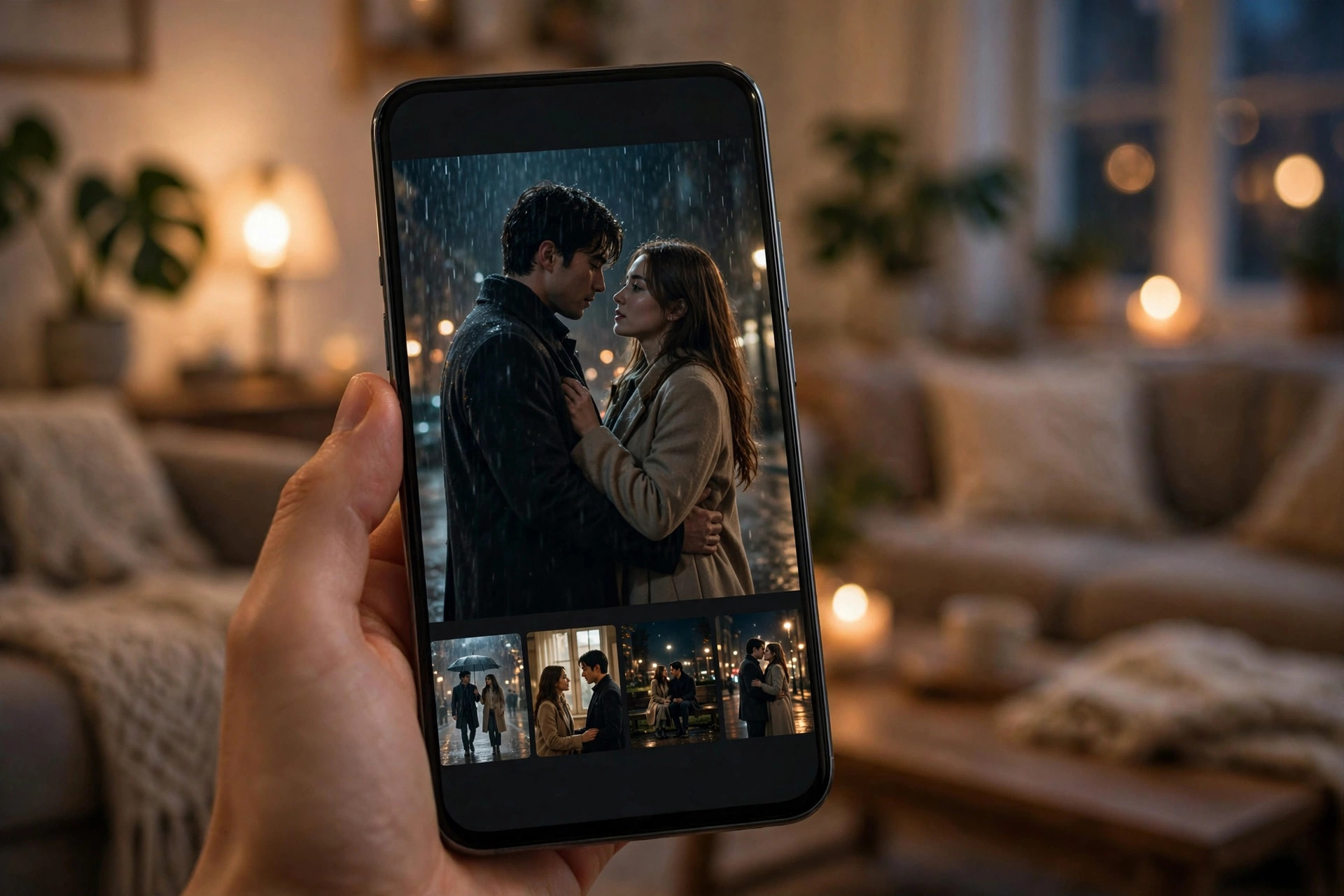
What DramaWave does
DramaWave is a streaming app built for exactly one format: vertical short dramas made for phone screens. A typical series runs 50 to 100 episodes, each about one to five minutes long, shot and cut for full-screen portrait viewing. The catalogue leans into the genres the format was born for — billionaire CEO romances, revenge thrillers, werewolf sagas, rebirth and second-chance stories, time-travel mysteries, fantasy epics, and romantic comedies.
The hook is pacing. Traditional TV gives you 45 minutes to get invested; DramaWave gives you 90 seconds. Every episode is engineered to end mid-twist — the secret revealed, the slap landed, the ex walking back through the door — so swiping to the next episode feels automatic. A story arc that would take a whole weekend on a mainstream streamer fits into a commute here. New episodes land daily, and the app ships with dubbing and subtitles in more than 18 languages, including English, Spanish, Hindi, Portuguese, Arabic, and Turkish.
Standout features
Episodes engineered for the phone
Everything about the viewing experience respects the device it lives on. Episodes are true vertical video — no letterboxing, no sideways head-tilting — and swiping between episodes is instant. Playback quality holds up well on mobile data, and the player remembers exactly where you left off in every series, which matters when you are juggling three storylines at once.
A huge library with daily releases
Volume is the whole business model here, and DramaWave delivers it. The catalogue runs into the thousands of mini-series, with new episodes and new shows arriving every day. The same publisher also runs the sister apps FreeReels and HotDrama, so if you burn through DramaWave's catalogue there is more of the same pipeline elsewhere — though each app has its own separate library, so installing both does not double your shows.
Three ways to watch: free, coins, or subscription
DramaWave gives you three doors into the same content. The free route: every series opens with free episodes, daily check-ins top up a small coin balance, and you can unlock more episodes by watching ads. The coin route: buy coin packs and spend them per episode when you cannot wait. The subscription route: a VIP plan that unlocks the catalogue. The free tier is genuinely usable for sampling — it is designed to stop exactly where a story gets interesting, which is the point — but patient viewers can stretch it surprisingly far.
A discovery feed that learns your taste fast
The app's recommendations pick up on what you finish within a few sessions. Watch two revenge dramas to the end and your feed fills with betrayal arcs and secret-heir storylines; bounce off a werewolf series and it stops pushing them. For a catalogue this large, good discovery is not a nice extra — it is the difference between finding your next obsession and drowning in thumbnails.
Better localization than most rivals
This is where DramaWave quietly pulls ahead of competitors like DramaBox and ReelShort, based on user reviews. Dubbing and subtitle quality are consistently praised — fewer of the mistimed captions, robotic voiceovers, and on-screen text glitches that plague cheaper short-drama apps. When you are watching dozens of rapid-fire episodes, bad localization ruins the spell; DramaWave mostly keeps it intact.
Pricing: what DramaWave actually costs
This is the section to read slowly, because short-drama pricing is deliberately confusing across the whole category. DramaWave's model has three layers, and the cheapest-looking option is rarely the cheapest.
- Free ($0): first episodes of every series free, daily check-in coin top-ups, ad-supported episode unlocks. Enough to sample the format and finish the occasional short series; not enough to binge.
- Coin packs (about $4.99 to $49.99): buy coins, spend a chunk per episode. Fine for unlocking the last few episodes of one series you love. Terrible value if you watch daily — a full series bought episode-by-episode can cost more than a month of a mainstream streamer.
- Weekly VIP (reported roughly $4.99–$5.99 entry tier, up to $19.99 for the premium VIP tier): the plan the app pushes hardest. Do the math before tapping: $19.99 a week works out to over $1,000 a year.
- Monthly VIP (about $36.99 on the App Store listing): much saner arithmetic for heavy viewers — roughly the cost of two weeks on the expensive weekly tier.
Three warnings from real user reports. First, prices vary hard by region, and the number on the promotional banner is not always the renewal number — read the actual payment sheet before confirming. Second, free and bonus coins can expire within a day or two, which nudges you to binge on the app's schedule, not yours. Third, a subscription does not always unlock literally everything: some titles still gate specific episodes behind coins even for VIP members, so check the series page before assuming unlimited means unlimited. And remember that cancelling happens in your Apple or Google subscription settings — deleting the app does nothing to a recurring charge.
Who it's for
DramaWave is ideal for anyone already hooked on the short-drama format, commuters and queue-standers who want complete stories in dead time, and viewers who like their entertainment fast, emotional, and unapologetically dramatic. If you have ever lost an hour to cliffhanger-style vertical video, this app is that feeling with a thousand-show library behind it.
It is not for everyone. If cliffhanger paywalls make your blood boil, you will resent the business model within days. If you binge daily but refuse to pay, the ad-watching grind gets old fast. And if what you actually want is prestige long-form TV, no short-drama app — however polished — will scratch that itch. For traditional streaming, our roundup thinking still applies: pick the right tool for the job, and DramaWave's job is quick mobile drama, nothing else.
Getting started with DramaWave
- Install from the official store only. Get it from the Apple App Store or Google Play and check the developer name — SKYWORK AI PTE. LTD. Skip the unofficial MOD APK sites entirely; they trade free coins for malware risk and stolen accounts.
- Sample before you spend. Every series opens with free episodes. Watch the free runs of three or four different series first to learn which genres actually hook you before a single coin changes hands.
- Use the free unlocks first. Daily check-ins and ad-supported unlocks can carry a casual viewer a long way. Only reach for your wallet when you have hit a wall on a series you genuinely love.
- Never buy coins for a whole series. Coins are for finishing a series you are already invested in. If you find yourself buying packs regularly, stop and compare the weekly and monthly VIP prices — the subscription is almost always cheaper for heavy viewers.
- Set a renewal reminder if you subscribe. Weekly plans renew fast and the yearly math is brutal. Decide in your Apple or Google settings — not in the app — and cancel at least 24 hours before renewal if you are done.
What we like
- Huge, addictive library with new episodes landing daily
- Excellent vertical viewing experience — instant, full-screen, remembers your place
- Genuinely free to sample, with daily coins and ad unlocks for patient viewers
- Strong dubbing and subtitles across 18+ languages, better than most rivals
- 4.9-star App Store rating from nearly 200,000 reviews backs up the quality
What could be better
- Aggressive monetization — coins, ads, and subscriptions stacked together
- Premium weekly VIP pricing is expensive: $19.99 a week is over $1,000 a year
- Some episodes stay coin-gated even for paying subscribers
- Bonus and daily coins can expire quickly, pushing you to binge on their schedule
- Subscription billing complaints — read the payment sheet and manage renewal in your store settings
Free to download — links go to the official Google Play Store listing. We never host APK files.
Frequently asked questions
Is DramaWave free?
Yes, to start. Every series opens with free episodes, and you can earn daily coins through check-ins and unlock more episodes by watching ads. You only pay if you want to skip the wait or binge a whole series at once.
How much does DramaWave cost?
DramaWave uses coins and subscriptions. Coin packs run about $4.99 to $49.99. Reported subscription tiers include a weekly VIP plan ranging from roughly $4.99 to $19.99 per week and a monthly VIP plan around $36.99. Prices vary by region, so check the payment sheet before you buy.
Is DramaWave legit and safe?
Yes. DramaWave is published by SKYWORK AI PTE. LTD. of Singapore and distributed through the official Apple App Store and Google Play, which screen submissions and handle refunds. The real risk in this category is an auto-renewing subscription you forgot about, not malware. Avoid unofficial MOD APK sites.
DramaWave vs ReelShort: which is better?
Both are short-drama giants with different catalogues. DramaWave currently rates higher on the App Store at 4.9 stars, with users praising cleaner playback and better localization than rivals. The smart move is to try both free tiers and keep the one whose series hook you more.
How do I cancel my DramaWave subscription?
Cancel through your Apple ID subscriptions on iPhone or Google Play subscriptions on Android, at least 24 hours before renewal. Deleting the app does not cancel the subscription — the charge will keep renewing until you cancel it in your store settings.
Can I watch DramaWave offline?
Offline downloads are generally a VIP or subscription feature on DramaWave. The free tier needs an internet connection, so download episodes over Wi-Fi before a flight if you are on a paid plan.