
Photo & Video
Mischief AI Prank App Review 2026
Our verdict: Mischief turns any photo into a convincing AI prank video in seconds — the fastest way to ride the 2026 AI-prank wave — but the credit system punishes heavy use, it is Android-only, and the realism means you have to use it responsibly.
AI prank videos are the defining TikTok craze of 2026: pets doing viral dances, friends appearing in fake breaking-news reports, selfies turned into impossible stunts. Mischief is a brand-new Android app riding that wave, and it launched with a bang — an October 2026 creator-clipping campaign pushed it to 22.4 million verified video views and 20,000 verified downloads in a single month at a $0.27 CPM, with one clip alone hitting 2.7 million views. That is the kind of launch noise that makes an app worth reviewing early.
First, the disambiguation: this review is about Mischief: AI Prank Photo/Video by developer EDForrester (Google Play package com.mischief.app) — a free Android app with a credit system. It is not The Foundry's discontinued Mischief drawing software and not the Mischief ad agency, both of which share the name and both of which will confuse your search results. We installed it, burned through credits making prank clips, and checked where the paywall hits and whether the hype survives a second look. This review covers what it does, the features that matter, what it costs, the safety questions you should ask, and who should actually download it.
What Mischief does
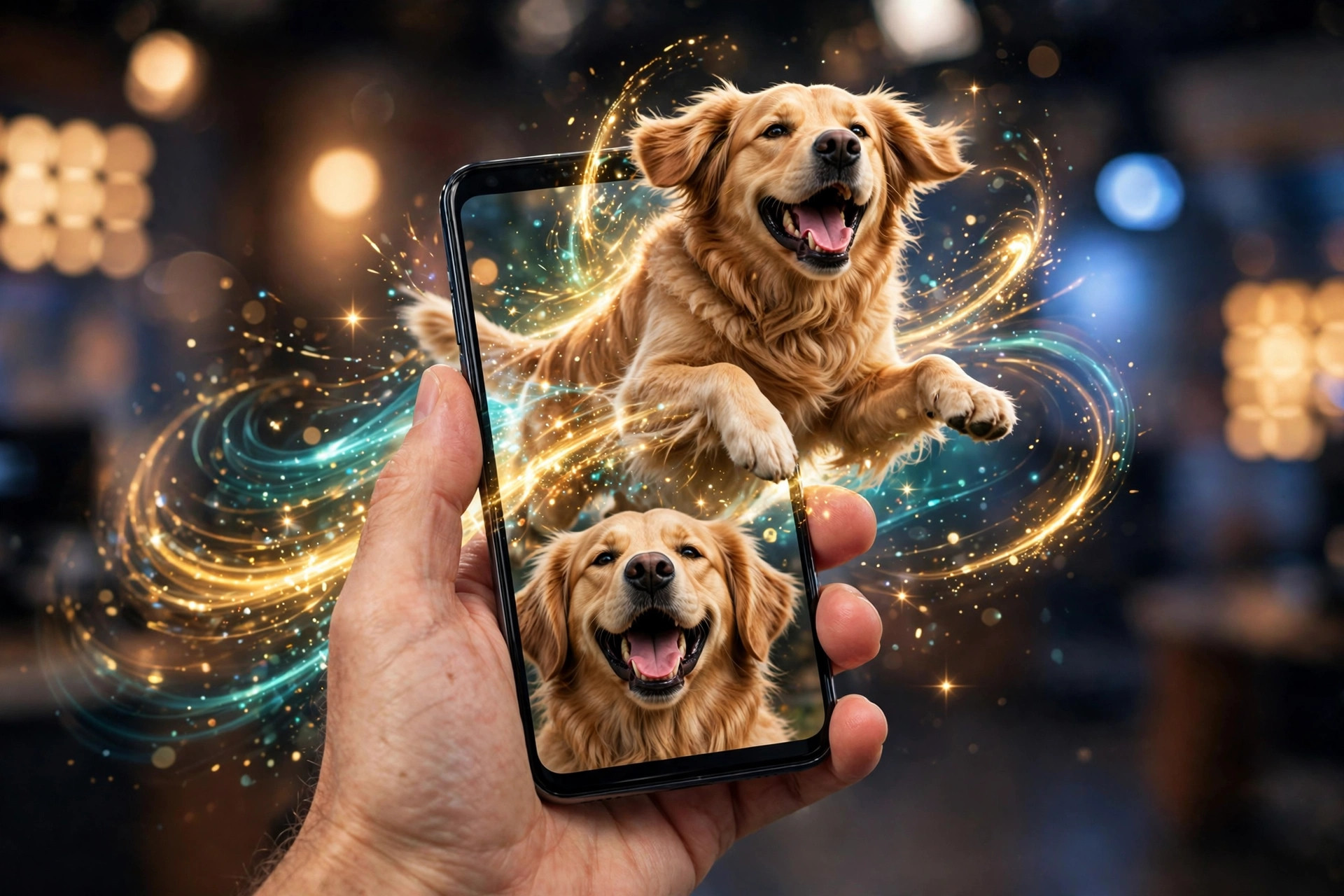
Mischief is an AI photo-to-video prank generator. The core loop is brutally simple: upload a photo — a selfie, a friend's picture, your cat — then type a text prompt describing what should happen. Doing a backflip. Getting arrested by aliens. Eating a giant burger. The AI engine renders a realistic animated video in seconds, preserving the face and details from your photo while animating the rest of the body around your prompt. It is not a filter sliding a wiggle effect over a still image; it is a full AI video generation from your photo, built for one purpose — pranks that look real enough to fool the group chat for a glorious thirty seconds.
Beyond the photo mode, there are two more generation paths. Text-to-video lets you skip the photo entirely and direct the scene from words alone — you are the director, and if you can type it, Mischief claims it can create it. The standout mode, though, is the fake Breaking News prank: you write your own headline, and the app generates a realistic news-report video starring whoever is in the photo. Ever wanted to see your best friend on the 6 o'clock news for winning a hot dog eating contest? That is the exact use case, and it is as funny — and as potentially dicey — as it sounds.
Everything is built for social from the ground up. Videos export in vertical formats optimized for TikTok, Shorts, and Reels, and sharing directly to TikTok, Instagram Reels, Snapchat, and group chats is wired into the flow. Generation is pitched as lightning-fast — seconds, not minutes — so you can react to trends while they are still trends.
Standout features
Photo-to-video magic with face consistency
The technical pitch is face consistency: the AI keeps the person's face and details intact while animating the body. In practice, that is what separates Mischief from the wave of gimmicky AI filter apps we have also reviewed (see our AI Maker review for that flavor). The results look like video, not like a photo with a warping effect — which is exactly why the pranks land, and exactly why the safety section below matters.
Breaking News pranks
This is the feature with the highest viral ceiling. Writing a custom headline and getting a plausible-looking news broadcast back is tailor-made for group-chat chaos and TikTok skits. It is also the mode where realism is a double-edged sword: a fake news report that looks too convincing can genuinely scare or mislead people, so the reveal matters. Use it for roasts among friends, not for fooling the public.
Text-to-video freedom
No photo? No problem. Typing a scene description generates an original video — dancing in a clown costume, running away from a dinosaur, winning a hot dog eating contest. It makes Mischief usable even when you have nothing to prank, and it is the mode creators use for original skit content rather than reaction pranks.
Lightning-fast generation
Speed is a feature here, not a footnote. Trend-driven content dies if it takes an hour to render; Mischief is engineered to hand you a finished clip in seconds so you can post while the trend is still hot. Priority processing — skipping the queue — is one of the subscription perks, which tells you the standard queue can slow down when the app is busy.
Built for social media
Vertical exports for TikTok, YouTube Shorts, and Instagram Reels come standard, with direct sharing to TikTok, Instagram Reels, Snapchat, and group chats. There is no desktop workflow, no editing timeline, no export presets to learn — which is the point. If you want to polish exports with cuts and captions afterward, our CapCut review covers the best free video editor for that job.
Pricing tiers
Mischief is free to download, and the monetization is credit-based rather than a simple free-vs-Pro split. Every generation spends credits: images start at 20 credits and videos start at 200. That ratio is the whole pricing story — videos are the product and they cost ten times what images do, so a heavy prank-video habit burns credits fast.
- Free ($0): free download; generations cost credits, with images from 20 credits and videos from 200
- Mischief Subscription: priority processing with the fastest servers, HD-resolution exports, and no watermarks on your videos
Exact subscription plan prices and any free credit allowance are shown in-app and on the live Google Play listing — check the current tiers before buying, since this is a young app and pricing may shift. The subscription is pitched at creators who post regularly: skipping the render queue, exporting in HD, and dropping the watermark are exactly the three things that matter when your clips are competing on TikTok. For comparison, rival Prankify AI starts its Starter plan around $8 per month, so the category is settling into the standard app-subscription price band.
The catch: safety, realism, and the fine print
Every Mischief review has to reckon with the same thing: the videos look real. The developer's own Play Store listing carries an explicit note — the app is for entertainment purposes only, and users should use AI responsibly and respect others' privacy. Take that seriously. Police in the US and Australia have already issued warnings about AI home-invasion prank videos frightening the public in 2026, and a fake breaking-news clip that looks convincing can cause genuine panic if it escapes the group chat.
The responsible-use rules are simple: get consent from anyone you feature, keep the prank obviously harmless, reveal the joke quickly, and never impersonate real people in deceptive ways. Also note the name confusion — searching for this app surfaces the discontinued drawing software and an ad agency first; make sure you are downloading EDForrester's com.mischief.app.
Then there are the practical limits. Mischief is Android-only — we found no iPhone version on the App Store as of October 2026. It is also very young: the Play Store rating sits around 4.6, but from only about 345 ratings, so long-term reliability is unproven and there is no independent review coverage yet. Free exports carry watermarks unless you subscribe, and videos at 200 credits a pop mean casual daily posting gets expensive without a plan.
Who it's for
Mischief is ideal for TikTok and Reels creators riding the AI-prank trend, group-chat pranksters who want the fastest path from idea to clip, and anyone who enjoys reaction humor with friends. If you post prank or skit content regularly and the subscription math beats buying credit packs, it is a legitimate creator tool.
It is not for everyone. iPhone users cannot download it at all. If you want free, unlimited generation, the credit system will frustrate you. If you need a real editing workflow — timelines, captions, multi-clip projects — you want a proper editor instead; see our CapCut review. And if you are tempted to use realistic AI fakes to deceive people rather than entertain them, this app — and this trend — is not for you.
Getting started with Mischief
- Install and check the free allowance. Download Mischief free from Google Play and see how many credits you start with — plan your first experiments around that budget.
- Start with a photo, not text-to-video. Upload a clear, well-lit photo of your subject; photo-to-video is the app's strongest mode and the fastest way to see what it can do.
- Write a specific prompt. "Doing a backflip on the beach" beats "doing something funny" — concrete actions with clear motion render far better.
- Test one Breaking News prank on a willing friend. Write a funny headline, generate it, and share it with someone who will laugh — this is the mode that sells the app, so try it first.
- Decide about the subscription after a week. If you are hitting credit walls or the watermark is ruining your posts, compare the subscription against your usage before paying — casual pranksters may never need it.
What we like
- Photo-to-video with strong face consistency — results look like real video, not filters
- Breaking News prank mode is genuinely hilarious and built for virality
- Blisteringly fast generation, engineered for trend-speed posting
- Dead-simple interface — upload, type, generate, share
- Free to download with a real trial before any payment
What could be better
- Credit costs punish heavy use — videos start at 200 credits each
- Android-only; no iPhone version as of October 2026
- Very young app with no long-term reliability track record
- Free exports carry watermarks unless you subscribe
- Realistic fakes demand responsible use — the misuse risk is real
Free to download — links go to the official Google Play Store listing. We never host APK files.
Frequently asked questions
Is the Mischief app legit?
Yes, Mischief is a real app. It is Mischief: AI Prank Photo/Video by developer EDForrester, free to download on Google Play with a credit system for generations. It holds around a 4.6 rating, but from only a few hundred ratings so far — it is brand new, so its long-term reliability is still unproven.
Is Mischief free?
The download is free and you can try it out, but generations cost credits: images start at 20 credits and videos start at 200 credits. A Mischief Subscription adds priority processing, HD-resolution exports, and no watermarks.
Is Mischief available on iPhone?
No. As of October 2026, Mischief is Android-only on Google Play. We found no iOS version on the App Store, so iPhone users are out of luck for now.
Is it safe to make prank videos with Mischief?
The app itself says it is for entertainment purposes only and asks users to respect others privacy. The videos can look very realistic, so get consent from anyone you feature, never impersonate real people in deceptive ways, and keep pranks clearly harmless — police in the US and Australia have warned about AI prank videos that scare the public.