
Learning
Nibble App Review 2026
Our verdict: Nibble is the rare learning app that actually survives contact with a busy life — five-minute lessons, dozens of subjects, and a price that stays under $50 a year. It will not replace a real course, but as a daily habit it is genuinely hard to beat.
Most of us open our phones intending to learn something and end up scrolling instead. Nibble is built for exactly that moment: it turns the spare minutes you already spend on your phone — the commute, the coffee queue, the wind-down before bed — into short, finished lessons on real subjects. No textbooks, no homework, no guilt trip when you miss a day.
That simple idea is why Nibble has become one of the fastest-growing learning apps of 2026, with more than 10 million downloads worldwide, a 4.4 rating on Google Play and 4.3 on the App Store, and top rankings in the US, Canada, and Australia. We spent time with the app on Android to test whether the lessons actually teach anything, what the subscription really costs, and where the format runs out of steam. This review covers what Nibble does, the features that matter, its pricing, and who should actually download it.
What Nibble does
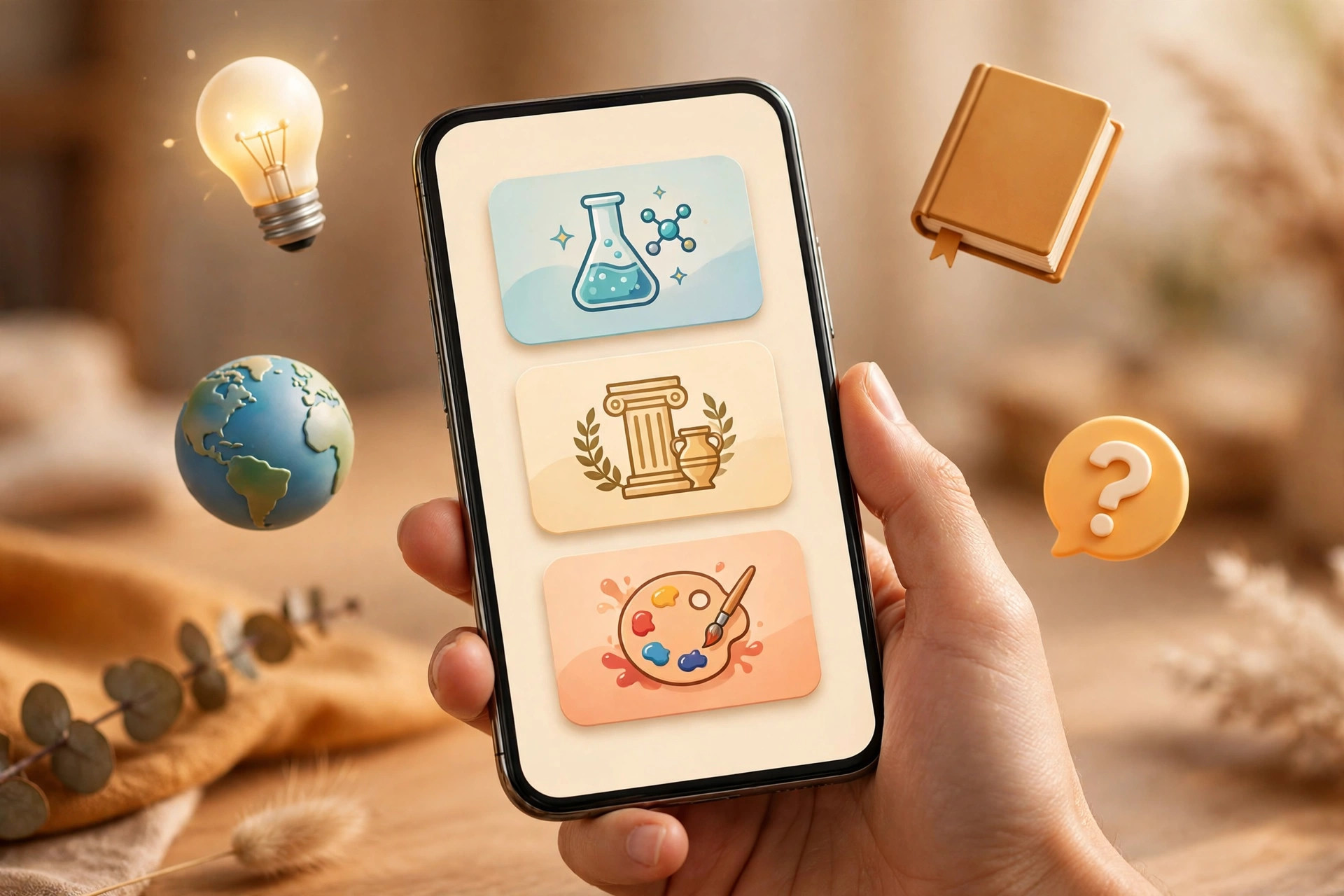
Nibble is a microlearning app: instead of long courses, it serves expert-written lessons in bite-size pieces you can finish in 5 to 10 minutes. The library covers more than 35 subjects, from science, math, and history to art, philosophy, psychology, music, and general knowledge. New content arrives weekly, so the feed does not go stale after your first month.
The format is what sets it apart from a textbook app. A lesson might be a short interactive read, a quiz game, an audio episode for the drive to work, a video explainer, or a chat with a historical figure or an AI tutor. You pick a topic, Nibble serves a lesson sized to the time you have, and progress syncs across Android, iOS, and the web when you sign in — so you can start on your phone and finish in a browser.
There is no pressure to keep a perfect streak or finish a curriculum. Nibble is explicitly designed around the opposite idea: learning at your own pace, with no deadlines and no prior knowledge required. That low-pressure design is the reason many users report sticking with it longer than with heavier study apps.
Standout features
Bite-size lessons that respect your time
The core unit of Nibble is a lesson you can genuinely finish before your coffee gets cold. Each one covers a single idea — why the seasons change, how a famous painting was made, what a logical fallacy is — in a few screens, with a quick check at the end to see whether it stuck. For anyone who has bought a course and never opened it, this finishable format is the whole appeal.
35-plus subjects, not one track
Where a language app gives you one ladder to climb, Nibble gives you a library to wander. One day you can brush up on fractions, the next you can dip into ancient Rome or modern art. That breadth is ideal for curious generalists: people who want to be a bit sharper in conversation, understand the news better, or simply replace some scrolling with something more satisfying.
Games, quizzes, and interactive chats
Nibble is not just reading on a screen. Lessons come with interactive quizzes, educational games, and chat-style sessions where you can talk with historical personalities or AI tutors about a topic. The variety matters more than it sounds: when one format gets boring, another one keeps the habit alive, which is the real reason most learning apps fail after week two.
Audio and video for hands-busy moments
Not every lesson needs your eyes. Audio episodes and video explainers let you learn while commuting, cooking, or walking the dog — the same dead time podcasts already claim, but in structured, topic-sized pieces. On Android, playback is smooth and lessons download for offline listening where the app supports it.
Personalization without the setup burden
When you start, Nibble asks about your interests and adapts the feed to them, so a history lover and a science lover see different lessons from day one. Unlike flashcard apps that ask you to build your own decks, Nibble hands you ready-made lessons: you open the app and learn, instead of managing a study system first.
Pricing tiers
Nibble is free to start: your first lesson is free on iOS, Android, and the web, with no card required to try the format. Full access to the library sits behind Premium, and that is where most users will land if they stick with it.
- Free ($0): first lesson free, a taste of the lesson format across platforms
- Premium (just under $50/year): full library of 35-plus subjects, all lesson formats including games, audio, and interactive chats, new lessons weekly, progress sync across phone and web
- Premium monthly: same full access billed monthly at a higher effective yearly cost — best as a short trial before committing to the year
At just under $50 a year, Premium works out to roughly $4 a month, which is cheaper than most streaming subscriptions and far cheaper than a single online course. Prices vary by country and store, so check the price shown in the app before subscribing, and watch for introductory offers that renew at the standard rate. If you are unsure, use the free first lesson and a month of monthly billing before switching to annual.
Who it's for
Nibble is ideal for curious adults who want to learn a little every day without a course commitment: commuters, parents stealing ten minutes after bedtime, professionals who want broader general knowledge, and anyone trying to swap some scrolling for something better. It also suits people who bounced off heavier study apps — the low-pressure, no-deck-building format removes the exact friction that killed their last habit.
It is not for everyone. If you need to pass a specific exam, learn a language to fluency, or earn a professional certificate, you need a purpose-built tool: Duolingo for languages, or a dedicated course platform for credentials. Nibble builds general knowledge and curiosity, not qualifications. And if you want deep dives — a full book-length treatment of one subject — a single lesson will feel too light, even though the library lets you stack related lessons.
Getting started with Nibble
- Install and take the free lesson. Download Nibble from the Play Store and complete your first free lesson — judge the format on a real lesson, not the marketing.
- Pick three interests, not thirty. Choose a few subjects you genuinely enjoy; a focused feed beats a scattered one in the first two weeks.
- Attach it to an existing habit. Open Nibble with your morning coffee or on your commute for the first week. Habits stick when they ride on something you already do.
- Try a game and an audio lesson. Do not judge the app on reading alone — try one quiz game and one audio episode to see which format you will actually return to.
- Decide about Premium after a week. If you opened it on five or more days, the annual plan is good value; if not, no subscription will fix a format you do not enjoy.
What we like
- Lessons are short enough to actually finish — 5 to 10 minutes each
- 35-plus subjects with new content every week
- Games, quizzes, audio, and interactive chats keep the habit fresh
- Annual price under $50 is genuinely affordable for a learning app
- Free first lesson lets you test the format before paying
What could be better
- Full access requires a subscription — the free tier is only a taster
- Lessons stay introductory; no deep courses or certificates
- Not a substitute for language apps or exam prep tools
- Monthly billing costs notably more than the annual plan
- Some users will outgrow the bite-size format within a few months
Free to download — links go to the official Google Play Store listing. We never host APK files.
Frequently asked questions
Is Nibble a good app?
For casual daily learning, yes. Nibble holds a 4.4 rating on Google Play and 4.3 on the App Store, with users praising its short lessons and wide topic range. It works best as a daily knowledge habit, not as a replacement for exam study or professional courses.
Is Nibble free to try?
Yes. Your first lesson is free on iOS, Android, and the web, so you can try the format before paying. Full access requires a Premium subscription, which costs just under $50 a year in the US; monthly billing is also available at a higher effective rate.
How long are Nibble lessons?
Most lessons take 5 to 10 minutes, designed to fit a commute, a coffee break, or a few spare minutes before bed. Longer audio episodes and interactive chats are available when you have more time.
Is Nibble better than Duolingo?
They serve different goals. Duolingo is built for learning a language step by step, while Nibble covers general knowledge across 35-plus subjects like science, history, art, and philosophy. If you want broader everyday learning rather than language practice, Nibble is the better fit.