
Productivity
Partiful Review 2026
Our verdict: Partiful is the easiest way to invite people to a party in 2026 — free, fast, and built around text messages instead of email — but it is unapologetically casual, so skip it for weddings and formal events.
Partiful is the party invite app that has quietly taken over group chats. Founded in 2020, it climbed the US App Store free chart again in October 2026, and the reason is simple: it fixes the most annoying part of planning a party, which is getting a straight answer out of your friends. Instead of an email invitation that nobody opens, Partiful sends a link by text, and guests RSVP in seconds without downloading anything.
We tested Partiful the way a real host would: building an invite, sending it to a test guest list, tracking RSVPs, blasting updates, and collecting contributions. This review covers what it does, the features that actually matter, what it costs, where it falls short, and who should download it.
What Partiful does
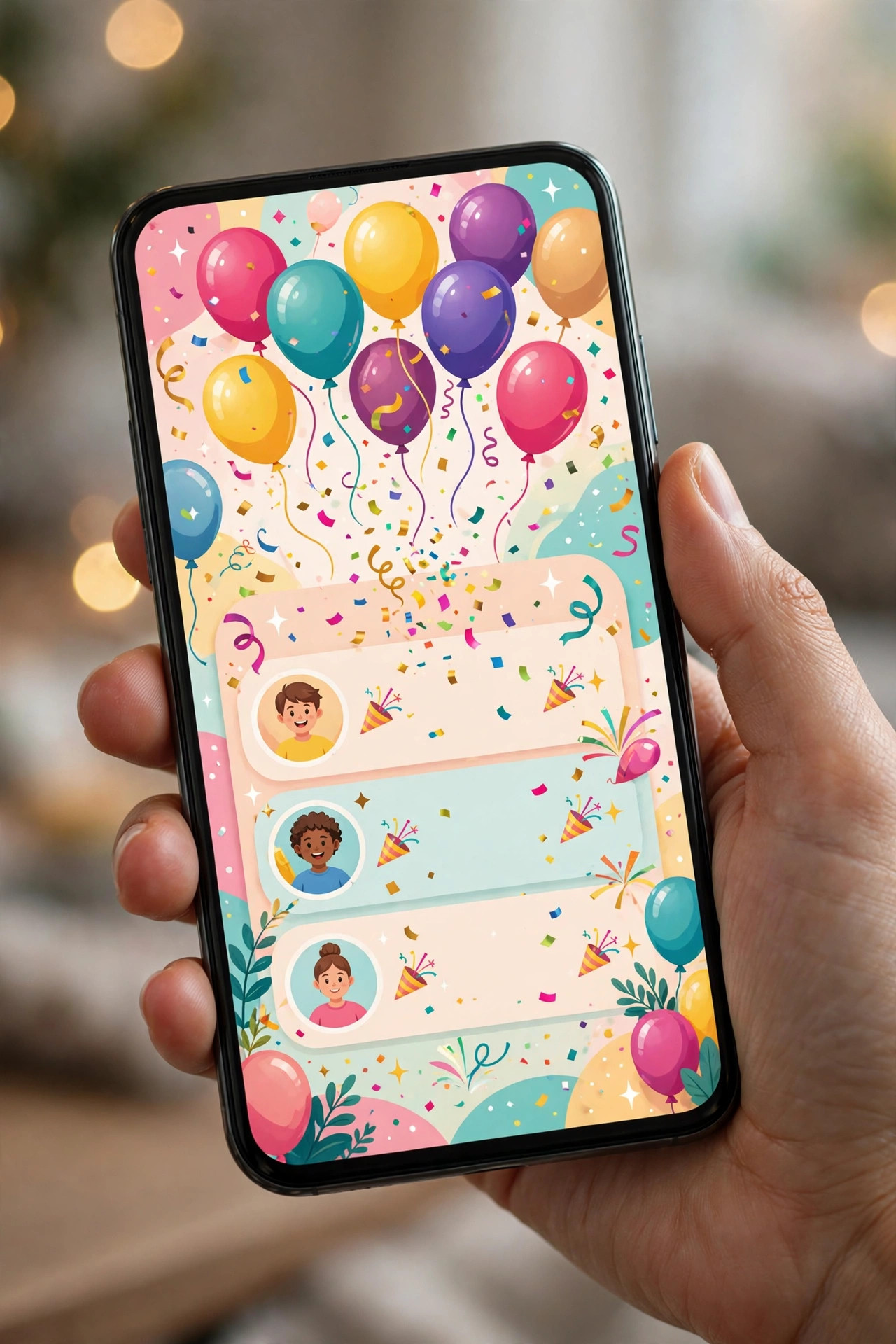
Partiful is a text-message-first invitation platform. You pick a design, add the details — what, when, where — and send one link to your guests by text, email, or any messaging app. Guests tap the link, enter their phone number, and tap Going, Maybe, or Can't Go. There is no account to create, no app to install, and no email thread to lose.
The whole flow is built for speed. Partiful says an invite takes about 30 seconds to create, and in our testing that is close to true if you pick a ready-made design. The animated themes are the first thing guests notice: bold colors, moving backgrounds, pop-culture artwork, and custom fonts that look more like a social post than a traditional invitation. It is a deliberate style choice, and it is exactly why younger hosts love it.
Behind the invite is a proper event dashboard. You see the guest list in real time, who has replied and who has not, and you can message everyone at once. Events sync to Google, Apple, or Outlook calendars, and there is a shared photo album so pictures from the night land in one place instead of scattered across group chats.
Standout features
RSVP without an app or account
This is Partiful's killer feature and the reason it beats email invites. Guests do not need the app, an account, or even an email address — just a phone number and one tap. In practice, that removes the biggest source of friction in party planning: the friends who never reply because replying felt like work. Response rates in our test were noticeably higher than with a comparable email invitation.
Text blasts to every guest
Plans change — the venue moves, the start time slips, someone needs to bring ice. Partiful lets you text every guest at once from the event page, which beats updating a chaotic group chat where half the guests are not even in the thread. Guests can also comment on the event page, so questions and answers stay visible to everyone.
Date polling
Not sure which Saturday works? Create a date poll and let guests vote on multiple options, then lock in the winner — every RSVP updates automatically. This one feature replaces the dreaded "what day works for everyone?" group chat, and it is something the old-school invite platforms simply do not offer.
Guest questions, waitlists, and plus-ones
Add a questionnaire to the RSVP to ask about dietary restrictions, song requests, or anything else, and require plus-one names so you know exactly who is coming. Set a capacity limit and Partiful runs an automatic waitlist, promoting guests as spots open up. Organizers can also approve guests before they are confirmed, which is handy for semi-public events.
Payments and ticketing
For events where guests chip in, you can add a payment link through Venmo, Cash App, or PayPal, or set a fixed cost per person. Partiful has also added ticketed events with tiers, promo codes, and QR check-in, which makes it usable for small paid gatherings and community events, not just free house parties.
Shared photo album and organizer profiles
Every event gets a shared album where guests upload photos, so the host is not chasing pictures for days afterward. Regular hosts get an organizer profile — a single shareable link listing all their events — plus the ability to re-invite past guests and add co-hosts who can help manage the event.
Pricing tiers
Partiful's core promise is that inviting people is free, and it holds up: creating an invite, sending it, tracking RSVPs, texting guests, polling dates, and collecting contributions cost nothing, and invite pages carry no ads. That is a genuine difference from Evite, whose free tier shows ads to your guests.
- Free ($0): unlimited invites, animated designs, RSVP tracking, text blasts, date polls, guest questions, waitlists, shared photo album, payment links
- Partiful Plus (price shown in-app): premium designs and effects, plus extra profile features — the price is only displayed inside the app, so check before subscribing
- Ticketed events (fees on paid tickets): free events carry no fees; paid tickets involve processing fees on the ticket price
One caution: sources disagree about whether every feature is free forever or whether some premium designs sit behind Plus. Treat the free tier as complete for normal party planning, and check the in-app price before paying for Plus — the free designs are already strong.
Who it's for
Partiful is ideal for anyone planning casual social events: birthdays, house parties, dinners, game nights, baby showers, and spontaneous hangouts. If your guests live on their phones and you want fast, honest RSVPs, it is the best tool for the job. It is also a good fit for small community events and club gatherings where a ticketed option helps.
It is not for everyone. If you are planning a wedding, a corporate event, or anything formal, the playful animated style will feel wrong, and you will miss structured tools like seating charts, QR check-in at scale, and formal design collections — Paperless Post or Joy are better there. It is also best kept under roughly 300 guests; beyond that, a dedicated event platform handles the logistics better.
Getting started with Partiful
- Install and sign up. Download Partiful from the Play Store or App Store and create a free account with your phone number — your events sync across phone and web.
- Pick a design, not a blank page. Browse the animated themes for your occasion and customize the text, colors, and background photo. Starting from a theme is the whole Partiful method.
- Add the details and a question. Set the date, time, and location, then add one guest question — dietary needs or a song request — so your first RSVPs teach you something useful.
- Send one link by text. Share the invite link by text message, not email, since that is where guests actually respond. Watch replies land in real time on the guest list.
- Blast updates instead of group chats. When plans change, use the text blast to reach every guest at once, and drop photos into the shared album after the event.
What we like
- Completely free core — invites, RSVPs, and guest messaging cost nothing
- Guests RSVP from a link with no app download or account
- Text blasts beat group chats for last-minute updates
- Date polling, waitlists, and guest questions solve real planning headaches
- Animated designs look genuinely fun, not corporate
What could be better
- Guests must hand over a phone number even just to browse an invite
- Built for casual parties — weak for weddings and formal events
- Partiful Plus pricing is hidden inside the app, not on the website
- Android experience is less polished than iOS, per user reviews
- No seating charts, QR check-in at scale, or advanced event analytics
Free to download — links go to the official Google Play Store listing. We never host APK files.
Frequently asked questions
Is Partiful really free?
Yes. Creating an invite, sending it, tracking RSVPs, and texting your guests are all free, with no ads on the invite pages. An optional Partiful Plus subscription adds premium designs and effects, and its price is shown only inside the app.
Do guests need the Partiful app to RSVP?
No. Guests open a link sent by text or email, enter their phone number, and tap Going, Maybe, or Can't Go. They never have to download the app or create an account to reply.
Is Partiful good for weddings or formal events?
Partiful is built for casual social events — birthdays, house parties, dinners, and hangouts. For weddings or formal events, Paperless Post or Joy offer more formal designs and structured guest management.
How is Partiful different from Evite?
Partiful sends invites by text instead of email, shows no ads, and is free with no per-event charges, while Evite's free tier shows ads to guests and removing them costs from $17.99 per event. Partiful also adds date polling, payment collection, and automatic waitlists that Evite lacks.